InterMiles: Get rewarded daily7.0.0
Publisher Description
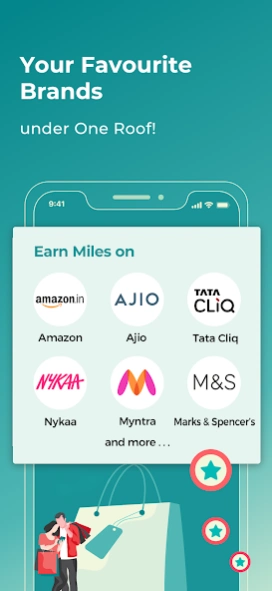

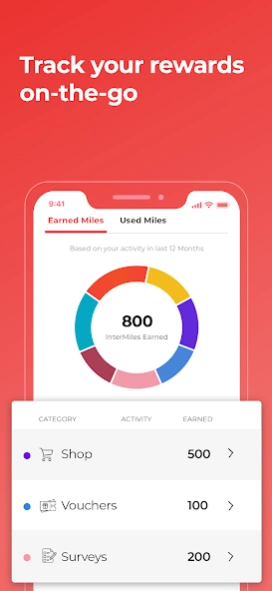
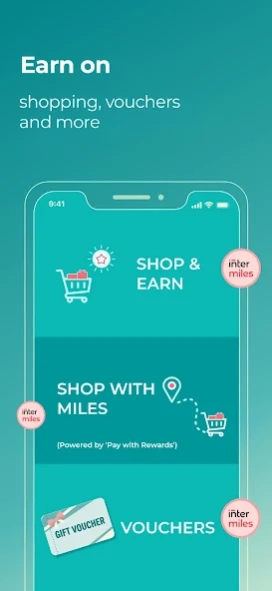
Rewards you for your daily activities—be it shopping, buying vouchers, or more.
InterMiles is a rewards programme that rewards you for your daily activities—be it shopping, buying vouchers, or more. Download the app now and explore opportunities to earn Miles.
InterMiles – Your Go-to Rewards App
• Earn Miles (our rewards currency) on online shopping, e-Vouchers, on shopping using "Pay with Rewards" option and more.
• 200+ brands allow you to earn Miles every time you transact.
• Log in to access your InterMiles account and tier benefits.
• Easily manage your InterMiles membership account—track your Miles balance, benefits, and more.
• Update your profile on the go.
Use InterMiles for a reward of your choice:
• Redeem Miles (through Save with InterMiles) on the purchase of e-vouchers via DigiStores.
• Redeem Miles using the “Pay with Rewards” option at partner merchants.
Connect with Us: Please note that all queries are handled exclusively via email. For a prompt response to any query, you may reach us at memberservices@intermiles.com. Our operating hours are Monday to Friday, 9:00 AM – 6:00 PM.
About InterMiles: Get rewarded daily
The company that develops InterMiles: Get rewarded daily is Jet Privilege Pvt Ltd. The latest version released by its developer is 7.0.0.
To install InterMiles: Get rewarded daily on your Android device, just click the green Continue To App button above to start the installation process. The app is listed on our website since 2026-10-01 and was downloaded 2 times. We have already checked if the download link is safe, however for your own protection we recommend that you scan the downloaded app with your antivirus. Your antivirus may detect the InterMiles: Get rewarded daily as malware as malware if the download link to com.intermiles.app is broken.
How to install InterMiles: Get rewarded daily on your Android device:
- Click on the Continue To App button on our website. This will redirect you to Google Play.
- Once the InterMiles: Get rewarded daily is shown in the Google Play listing of your Android device, you can start its download and installation. Tap on the Install button located below the search bar and to the right of the app icon.
- A pop-up window with the permissions required by InterMiles: Get rewarded daily will be shown. Click on Accept to continue the process.
- InterMiles: Get rewarded daily will be downloaded onto your device, displaying a progress. Once the download completes, the installation will start and you'll get a notification after the installation is finished.
Program Details
System requirements
Download information
Pricing
Version History
version 7.0.0
posted on 2026-10-01
Enhancements to InterMiles App for a better experience
Other bug fixes and performance improvements to make your journey more rewarding
